
Heads up: Grembi is reader-supported. When you buy through links on this page, we may earn a commission at no extra cost to you. As an Amazon Associate we earn from qualifying purchases. How this works.
You found the perfect game for your sister, your best friend, your roommate or your dad. Now you just need to get it to them without wrapping a plastic box. Good news: digital gifting is easier than ever, and this year Nintendo joined the party. Here is how it works on each platform, plus what to do when the direct route is not available.
Quick answer: Switch and Switch 2 can send a game to a Nintendo Account family group member starting Nov. 16 (US), and an eShop gift card works for everyone else. On Xbox, use “Buy as gift” and send it to an Xbox friend or an email address. Steam lets you gift a game to a Steam friend or to any email address in your country, plus Steam Digital Gift Cards, and PlayStation’s support pages describe gift cards and wallet funds rather than a send-a-game option.
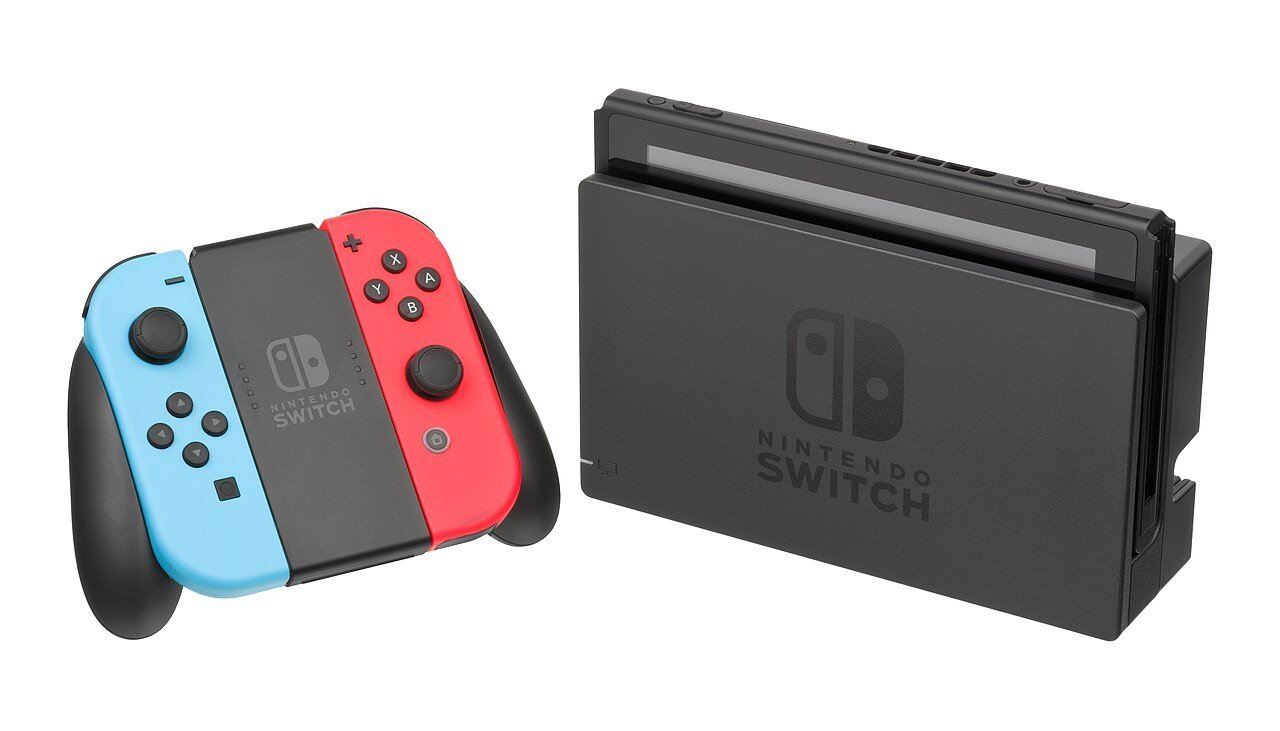
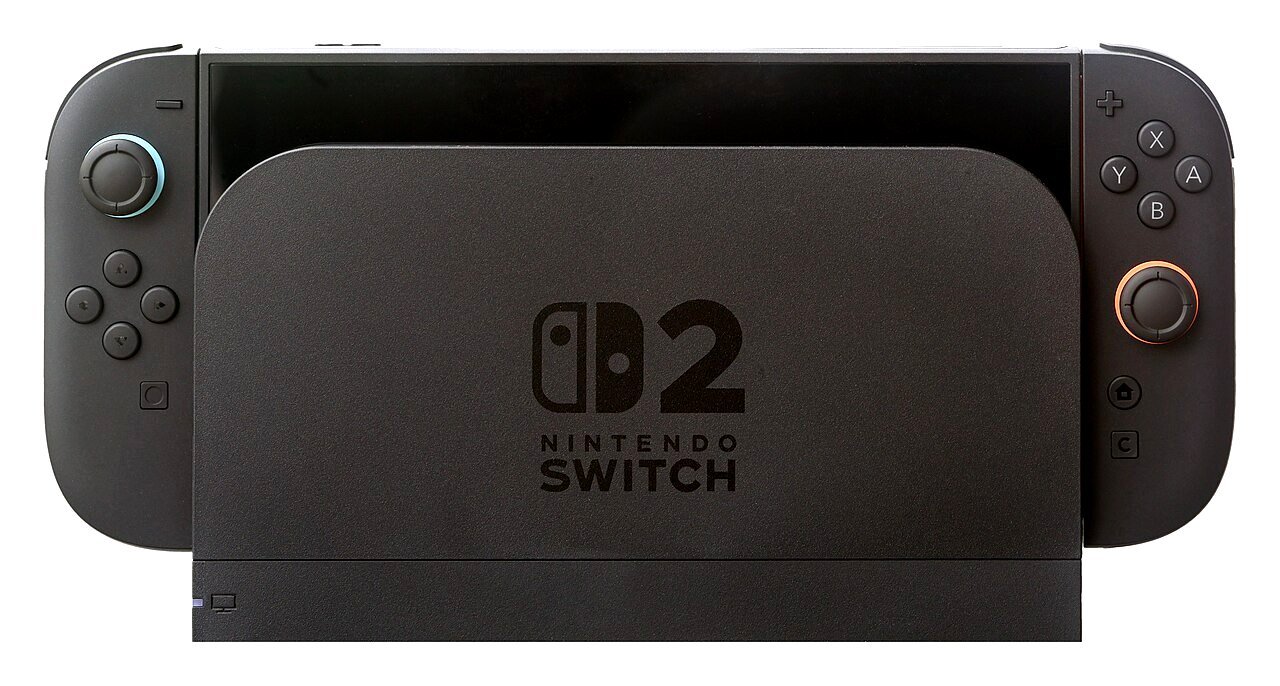
Nintendo Switch and Switch 2: new family group gifting
This is the freshest news. In a post dated Nov. 9, 2026, Nintendo announced that you will be able to gift digital games to members of your Nintendo Account family group. Per that announcement, the feature is added to Nintendo eShop on Switch and Switch 2 on Nov. 16. Nintendo’s system update page says the eShop update is scheduled for Nov. 17, so treat the exact day as “Nov. 16 in the US per Nintendo’s announcement; some regions list Nov. 17.”
What Nintendo says about the rules:
- You need system version 23.5.0 or greater (released Nov. 9). It should download automatically if the console is online.
- A family group can have up to 8 members in total.
- It covers eligible games, DLC and upgrade packs. Some products may not be eligible.
- Supervised accounts are not able to send digital gifts.
- The number of gift purchases allowed in a given period is limited. Nintendo has not published the limit.
- Gifts are sent to the recipient immediately, so there is no scheduling.
- The gift lands on the recipient’s HOME Menu, and you can pick a gift wrap color and which of their linked systems gets it.
How it will work: open the game in Nintendo eShop, tick “Give as a Gift,” choose the person from your family group list, pick a wrap color, and check out as usual.
Setting up a family group: sign in to the Nintendo Account website with the admin account, choose Family group, then Create family group or Add a member. To invite an adult, enter the email registered to their Nintendo Account. They open the invitation email, select the verification link, sign in and choose Join family group.
Friend outside your group? Give an eShop gift card or a download code. They open Nintendo eShop on the HOME Menu, pick their account, choose Enter Code on the left side and type the 16-character code. Nintendo says eShop Card codes are redeemed the same way. On retail cards, enter the Download Code (usually starts with a B), not the Control Number (usually starts with an S).
Steam
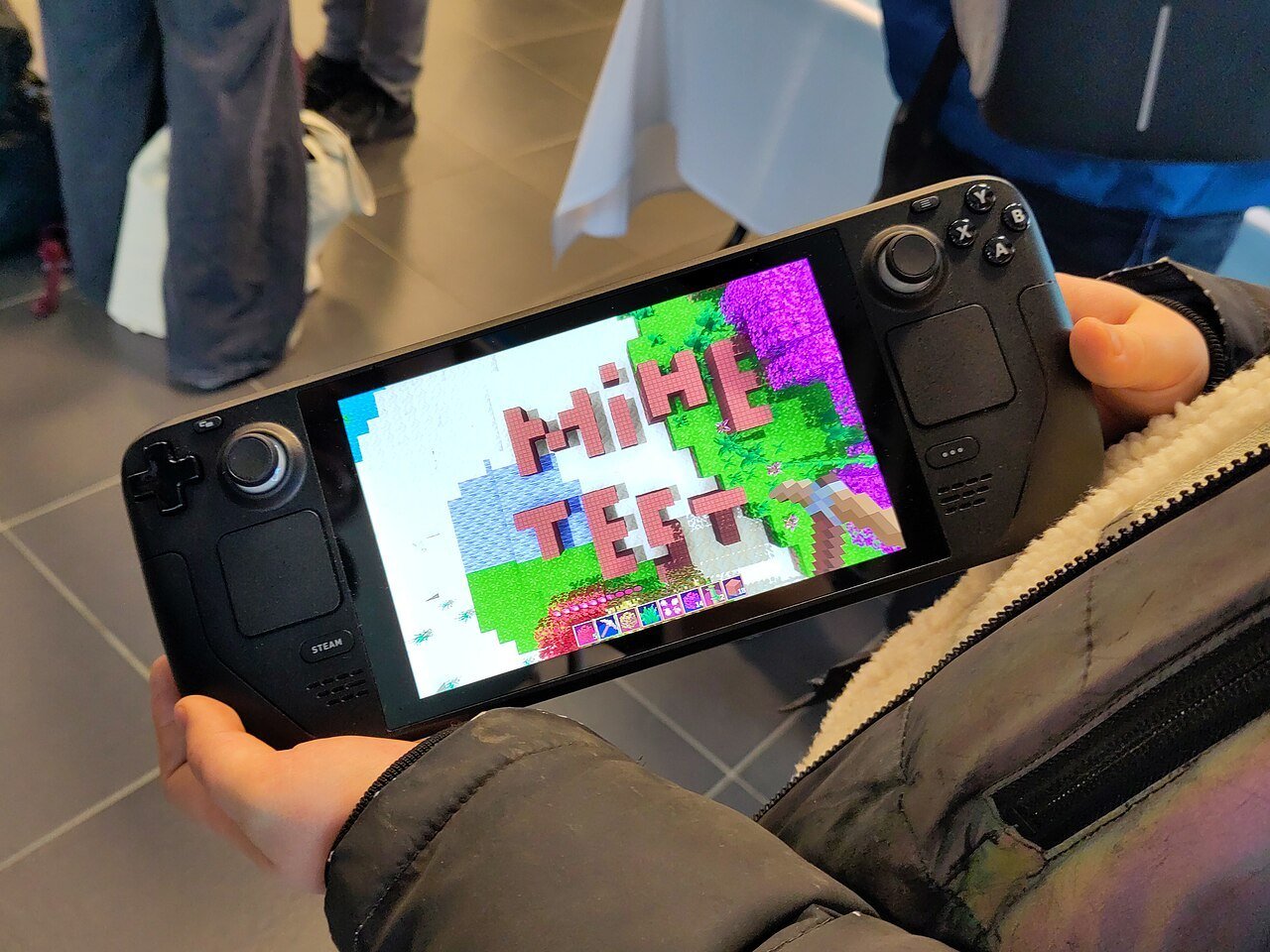
Steam has the most flexible gifting of the big four, especially after Valve’s “Gifting made easier” update on July 22, 2026. For someone on your Steam friends list, add the game to your cart and choose to buy it as a gift. Valve says friends can even be in a higher-priced region now: Steam matches the price in your friend’s region at checkout, and your friend needs to be on your friends list for that kind of gift.
Don’t know their Steam account? Valve now lets you send both games and digital gift cards straight to an email address, and the email includes a link so they can sign in and accept it. Two catches, per Valve: an email gift that isn’t accepted within 30 days is automatically refunded, so email gifts can’t be scheduled for later, and the recipient must live in the same country as you. Valve also opened guest checkout to any game, which means a family member without a Steam account can buy straight from a wishlist link you share. Handy if you want to drop a “My Christmas List” link in the family group chat.
Prefer to let them pick? That’s the gift card route. Steam’s Digital Gift Cards page says you can directly contribute to a friend or family member’s Steam wallet online, and that digital gift cards are sent through your Steam account. Physical Steam gift cards can be redeemed to a Steam account at any time. Wallet funds can then be used for any game on Steam, so the recipient gets to choose. That is perfect for a friend who already owns half the catalog.
PlayStation (PS5)
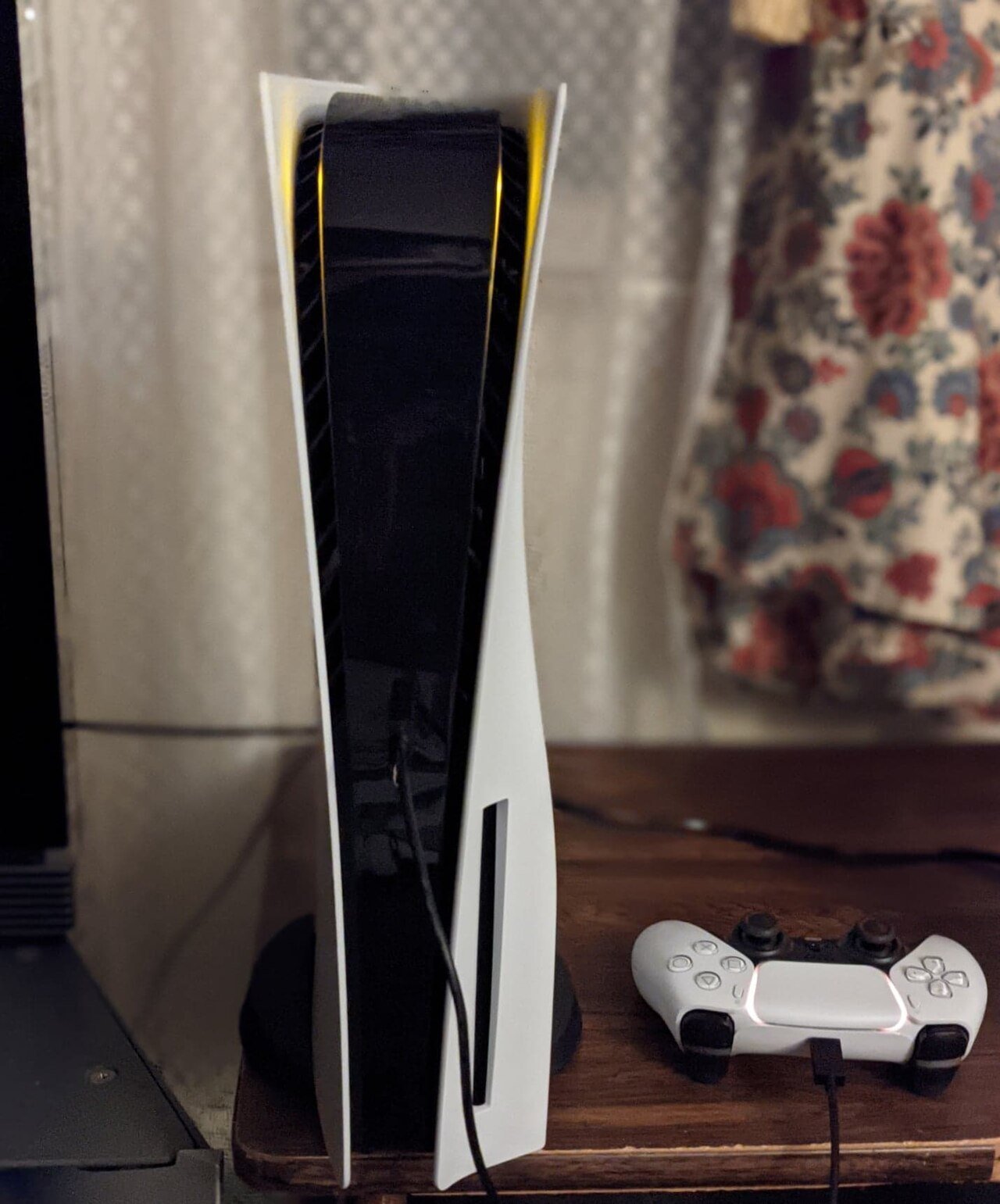
Here we will be plain: we found no page on PlayStation’s official support site that describes sending a specific game to another person. What the pages do describe is PlayStation Store gift cards and wallet funds. PlayStation says you can add funds to your wallet using a gift card, and you can use wallet funds to make purchases from PlayStation Store. Outside reporting also says direct game gifting is not offered, so a gift card is the practical answer.
How the recipient redeems it on PS5: in PlayStation Store, press the triangle button for the menu, choose More, then Redeem Code, enter the 12-digit code and select Redeem. Two rules to remember: the code must be for the same region as their account, and a code can only be used once. Funds and content can’t be transferred between accounts, so make sure it goes to the right one. If the recipient is a child account, wallet top-up codes need to be redeemed on the family manager’s account.
Xbox
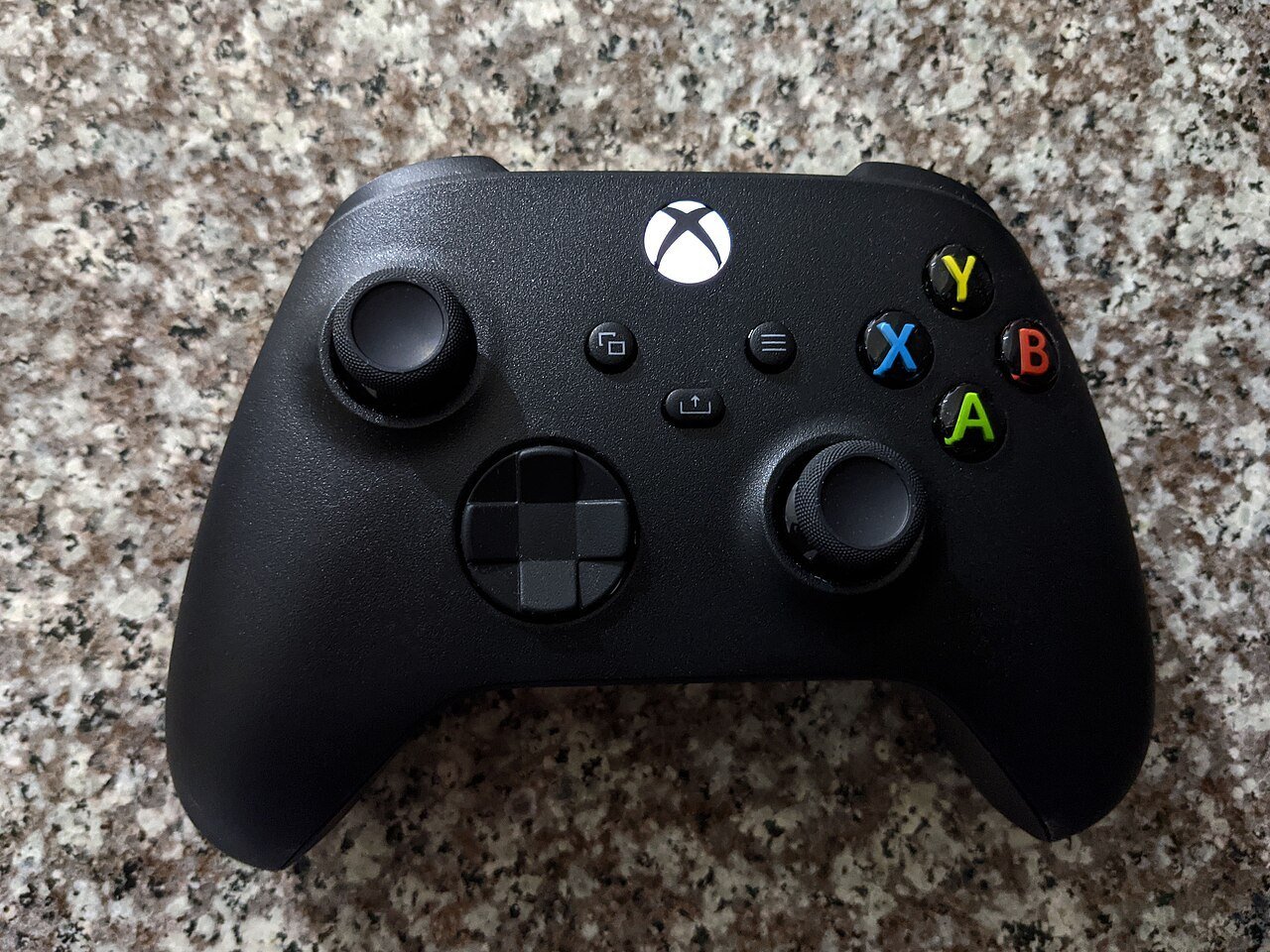
Xbox has the most direct option of the four. Xbox Wire’s holiday gifting guide (Dec. 2025) walks through “Buy as gift”:
- On console, go to the Microsoft Store and find the game.
- Click the gift wrap icon to open the “Buy as gift” options.
- Choose someone from your friends list or type in an email, then pick your payment option and buy.
On the Xbox app on PC, you use the “…” button and pick Buy as Gift, and you can send to an Xbox friend or an email address. On the web and in the Microsoft Store on Windows, you only get the email option. Your friend receives a message on their Xbox console and in the email tied to their Xbox account, then clicks “Redeem code.” Xbox adds one rule: make sure the person receiving the gift is in the same country as you. Add-ons and subscriptions, such as Xbox Game Pass Ultimate, can be gifted too.
No luck or no email? Xbox and Microsoft gift cards and codes all work the same way: sign in at redeem.microsoft.com and enter the code. Microsoft’s gift card terms say a balance in a certain currency may only be added to an account registered where that currency is recognized, and it can’t be converted or transferred to another account.
Gift cards vs. sending the game
Sending the game feels personal and skips guesswork. A gift card gives the other person freedom and works when you are not connected to them on the platform. If you are unsure what they own, or you are shopping for someone outside your family group or friends list, go with a card. If they have a wishlist, send the game.
| Platform | Send a specific game? | Who can receive it | Easiest fallback |
|---|---|---|---|
| Nintendo Switch / Switch 2 | Yes, arriving Nov. 16 (US) | Nintendo Account family group members | eShop gift card or download code via Enter Code |
| Steam | Yes | Steam friends (any region), or anyone by email in your country | Steam Digital Gift Card or physical Steam card |
| PlayStation (PS5) | Not described on PlayStation’s support pages | Same-region account (for gift cards) | PlayStation Store gift card for wallet funds |
| Xbox | Yes, “Buy as gift” | Xbox friend or email address, same country | Xbox or Microsoft gift card |
Before you hit buy
- Check their platform. Ask casually (“what are you playing lately?”) or peek at their wishlist.
- Match the region. A US card is for a US account. PlayStation and Microsoft both tie balances to the account’s region.
- Check the age rating if the gift is for a younger sibling.
- Buy codes from authorized retailers only. A too-good-to-be-true code from a stranger is a risk, and codes can’t be moved between accounts.
- Make it feel like a gift. Write a note, print a little card with the code or message, and time it for the morning. Digital gifts also dodge the cutoffs in our holiday shipping deadlines guide.
- Use wishlists to avoid duplicates.
Shopping on a tight budget? Our gaming gifts on a budget list has more ideas, and cheap Christmas gifts for teens works for younger siblings. For group swaps, see white elephant gifts under 20.
Platform gift cards on Amazon
These links go to Amazon search results, since card listings change by amount. Pick the value you want and double-check the region.
Find Nintendo eShop cards on Amazon
Find PlayStation Store cards on Amazon
Find Xbox gift cards on Amazon
Find Steam gift cards on Amazon
How we pick: We researched this from official platform pages and announcements. This article is not sponsored. Prices change, so we list none: pick any amount, whatever value you choose.
Confirmed vs. not yet
Confirmed (official pages as of Nov. 11, 2026): Nintendo’s family group gifting rules, the Switch code redemption steps, PlayStation’s voucher redemption and region rules, Xbox’s “Buy as gift” steps from Xbox Wire, Microsoft’s gift card currency rules, Valve’s July 22, 2026 gifting update (gift to email, guest checkout, cross-region gifts to friends) and Steam Digital Gift Cards.
Not yet confirmed: Nintendo’s per-period gift limit (not published), whether the Nov. 16 date shifts by region (the Nov. 17 date appears on a support page), Steam’s scheduling and refund details for gifts to friends (Steam’s help pages didn’t load for us, so check them at checkout), and any Black Friday (Nov. 27) gift card deals. None are promised.
FAQ
Can I gift a Switch game to a friend who is not in my family group?
Not directly. Nintendo’s new feature is for family group members. For anyone else, give an eShop gift card or download code and let them redeem it with Enter Code.
Can I gift a PS5 game?
PlayStation’s support pages we checked do not describe a send-a-game option. A PlayStation Store gift card for the same region as their account is the way to go.
How does an Xbox gift arrive?
You choose Buy as gift and send it to an Xbox friend or an email address. They get a message on console and in email, then click Redeem code. Both of you need to be in the same country.
Are gift cards region-locked?
Yes, for the platforms we checked. PlayStation codes must match the account’s region, and Microsoft balances are tied to the currency of the account’s jurisdiction.
Can a supervised Nintendo account send a gift?
No. Nintendo says supervised accounts are not able to send digital gifts.
How we wrote this
- We read the official platform pages listed below on Nov. 11, 2026.
- We included only rules we could confirm and flagged the rest.
- We list no prices, because they change.
- Amazon links are search links tagged for Grembi’s affiliate program.
Top photo: Crisco 1492 / Wikimedia Commons, CC BY-SA 4.0. More on our photo credits page. Nintendo Switch, Steam, PlayStation and Xbox are trademarks of their respective owners; Grembi is not affiliated with or endorsed by them.
Sources
- Nintendo: Gift digital games to family group members
- Nintendo: System update 23.5.0
- Nintendo: How to add members to a family group
- Nintendo: How to redeem a download code on Nintendo eShop
- Steam: Digital Gift Cards
- Steam News: Gifting made easier (July 22, 2026)
- PlayStation: Redeem a voucher code
- PlayStation: Voucher code problems
- Xbox Wire: How to buy a digital game as a gift
- Microsoft: Redeem a gift card or code
- Microsoft: Gift card terms and conditions